01 / LIGHT
Start with light, not the camera
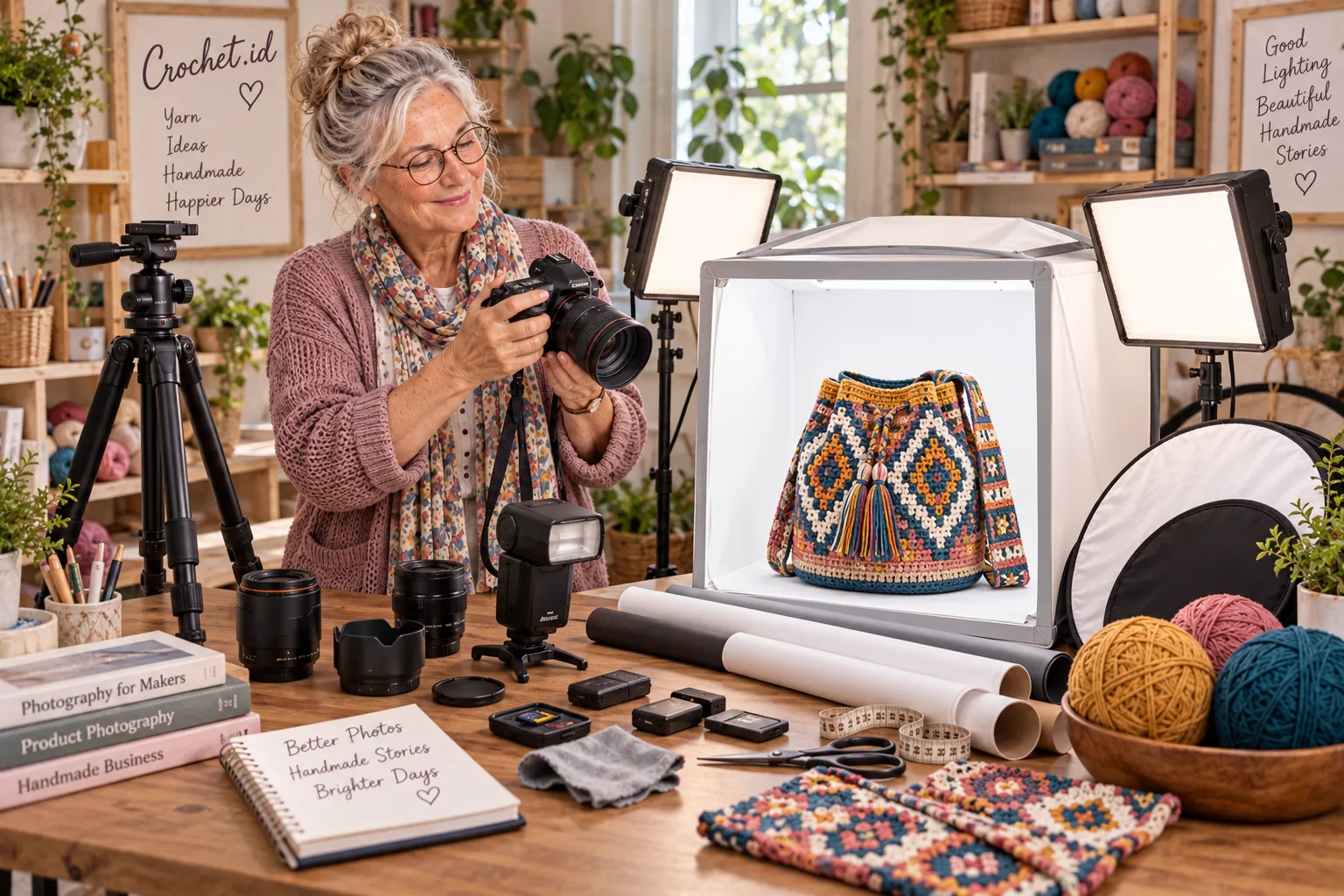
Good light helps show yarn texture, stitch definition, the bag’s shape, color, tassels and small details. Start with one light source whose position you can control.
Window light
Pros- Free and easy to try
- Indirect light can look soft and flattering
- Changes with time and weather
- Harder to reproduce consistently
LED lights
Pros- You can adjust their position and direction
- Useful at night or when window light is limited
- Light quality and color vary between lamps
- Inconsistent lights can shift yarn colors
Lightbox / photo tent
Pros- A more controlled background and light
- Convenient for catalog shots and smaller accessories
- The finished bag needs room to fit
- A very small model limits angles and composition
A lightbox is not a requirement. Soft window light, a simple background and the phone you already own can be your first setup.
02 / CAMERA
Start with the camera you already own
If your phone makes sharp photos with colors that look believable, it is enough to get started. A mirrorless or DSLR camera can make sense when you need more control, different lenses, more flexible files or a more involved product workflow.
Look beyond megapixel marketing. Consider reliable focus, useful detail in highlights and shadows, natural-looking color, manual exposure controls when needed, suitable lens options and tripod compatibility. A dedicated camera is not a requirement for good product photos.
03 / TRIPOD
A tripod: simple, surprisingly useful
A tripod keeps framing repeatable, helps avoid blur at slower shutter speeds and leaves both hands free to style the bag. Consistent angles also make before-and-after comparisons easier and help you photograph several products for a catalog.
A smartphone tripod can be enough to begin. Choose a camera tripod for a heavier camera and lens, and check its load rating and stability.
04 / LIGHTBOX
When is a lightbox useful?
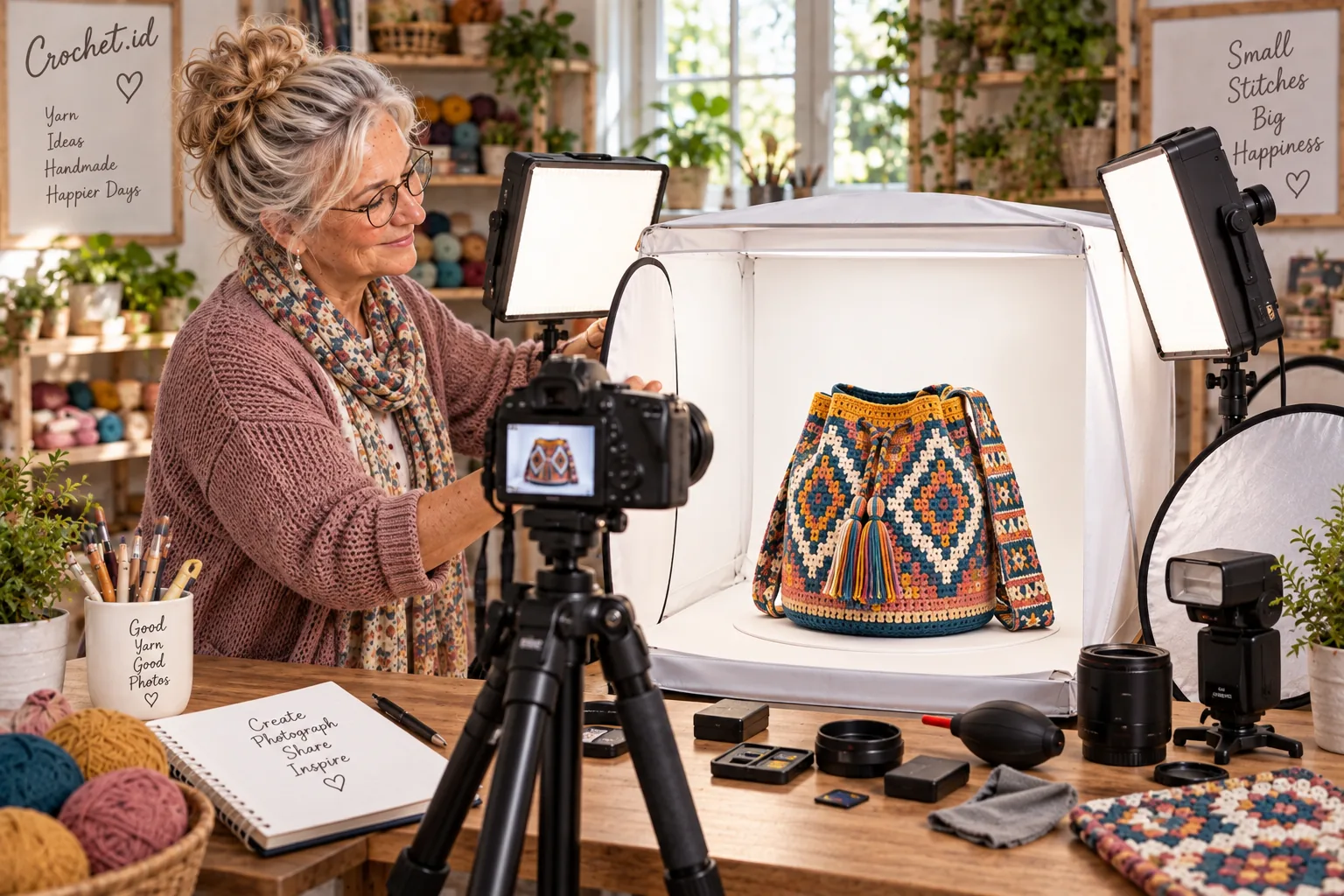
A lightbox can help with catalog photos against a consistent background, close-up details, small accessories or situations where you want less variation in ambient light. It is optional: a larger bag can also be photographed with window light, a simple backdrop and a reflector.
Before buying, check the internal dimensions, camera openings, included lights, diffusion material, backdrop choices, and how it folds away. Measure your finished bag and make sure there is room to show its shape from the angles you need. Do not order before confirming that the bag fits comfortably.
05 / LED & DIFFUSION
LEDs and diffusion: shape the light first
A simple two-sided setup can work like this: place a key light on one side of the bag. On the other side, use a dimmer second LED or a reflector to soften shadows. Try one lamp and a white reflector before adding a second light.
Diffusion—a suitable diffuser cloth or translucent panel—can soften glare and shadow transitions across the yarn texture. Adjust the light’s direction or distance first; simply turning up brightness does not always make the bag look better.
06 / REFLECTOR
A small reflector can make a difference
A reflector bounces or reduces light on one side to help the product’s shape read clearly. For a first experiment, a clean piece of white foam board can work well.
Fills shadows with a gentle bounce.
Gives a stronger reflection.
Reduces unwanted reflected light or adds shape.
07 / FLASH
Do you need flash?
An external speedlight may be useful when you want more light output, repeatable results, more control over ambient light, or want to try bounce and off-camera lighting. It is an optional, more advanced tool.
Bare flash pointed directly at a bag from close range can create hard shadows and shiny highlights. For a softer look, bounce the flash off a suitable surface or use diffusion designed for flash.
08 / BACKGROUND
Choose a background that supports the bag
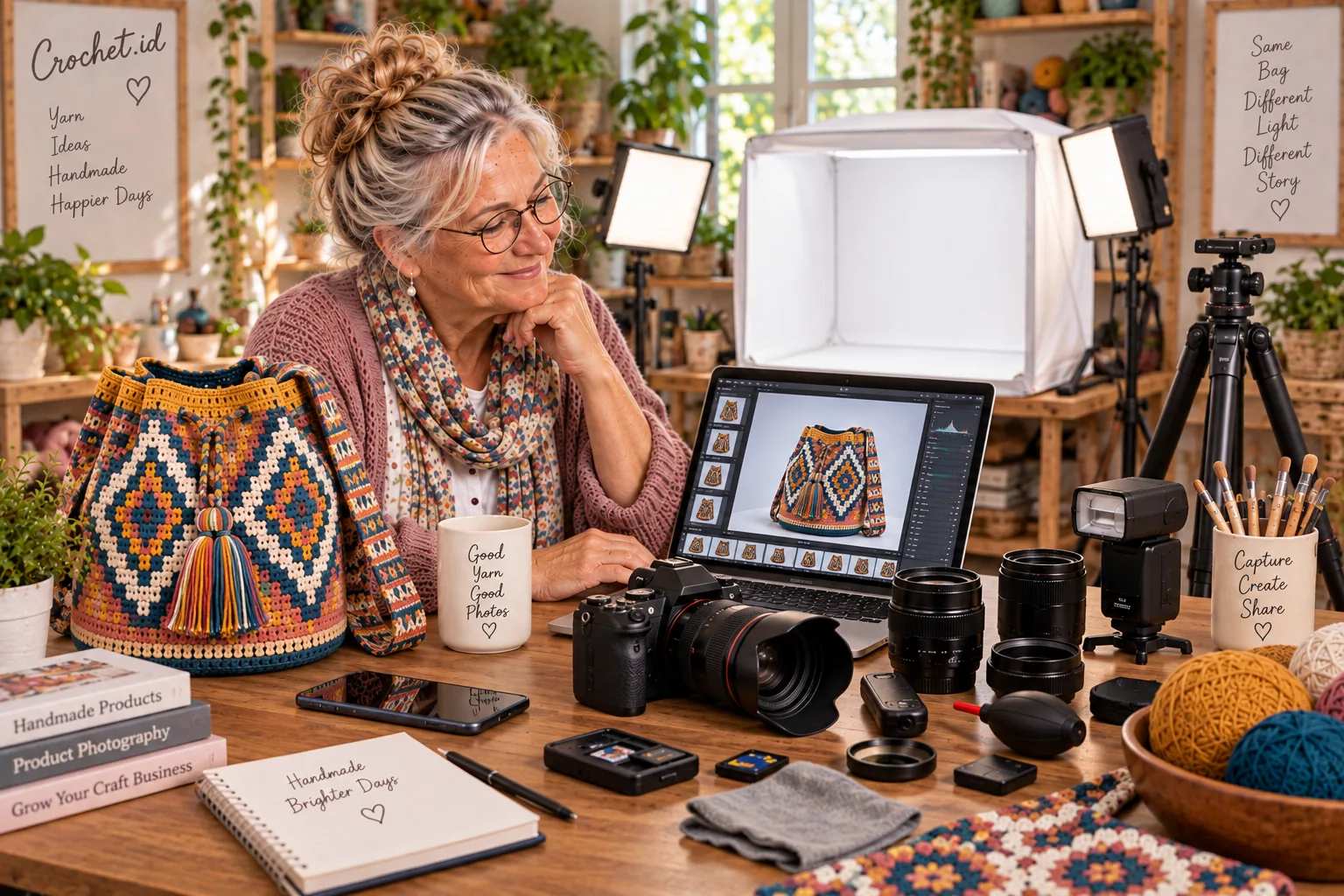
White, warm neutral, gray or a thoughtfully styled craft table can all work. For a marketplace or catalog, a clean background helps people compare products. For Pinterest, social media or an editorial story, a craft-room setting can add context and personality.
Whatever the style, the background should not compete with the handmade bag’s motifs, colors and shape. Remove anything that does not help tell the story.
09 / COLOR
Keep yarn color believable
Color is a big part of choosing yarn and motifs. Avoid mixing very different light sources—for example, cool window light with a yellow household bulb—in one frame. Set white balance to suit the light, keep your lighting consistent and use subtle filters.
Before publishing, compare the photo with the real bag. Aim for believable color, while remembering that every display can render it differently. Editing cannot guarantee identical colors on every device.
10 / REVIEW THE RESULT
Compare the photo with the real thing
Place the finished bag beside the edited photo. Before you publish, check a few things:
- Does the color still look believable?
- Can you see the yarn texture?
- Are the stitches still clear?
- Is the background distracting?
- Does the photo still look like the real product?
11 / PRIORITIES
What should I buy first?
This is a needs ladder, not a product ranking. Skip anything you do not need yet and start with equipment you already own.
Level 1 · Start here
- Your existing phone or camera
- Good window light
- A clean background
- Simple phone or camera support
Level 2 · More consistency
- Tripod
- Reflector
- LED light
- Simple backdrop
Level 3 · Product photo setup
- Second LED light
- Lightbox or photo tent
- Remote shutter
- Additional backdrop
Level 4 · Advanced and optional
- Dedicated camera
- Suitable lens
- External flash
- Wireless trigger and color-management accessories
You do not need to buy everything at once. Try one change, review the result, then decide what is genuinely missing.
12 / BUYING CHECKLIST
Before buying photography equipment
- What am I photographing?
- How large is my bag?
- Can I start with my existing phone?
- Do I already have good window light?
- Do I need consistent day and night results?
- Is the lightbox large enough?
- Can the tripod support my camera?
- Does the LED setup include diffusion?
- Do the colors look natural?
- Is the equipment easy to store?
- Will I use it often enough?
FROM MAKING TO SHARING
Show your handmade work at its best
Start with the equipment you already have. Find good light, keep the camera steady, tidy the background and keep the colors believable.
Add tools one at a time as your needs grow. The goal is not to own the biggest studio; it is to show your handmade work at its best.